


What CAD Actually Gives You vs What BIM Delivers
The GCC BIM market hit $176 million in 2024 and is projected to reach $517 million by 2033. Dubai Municipality now mandates BIM for building permit applications. Qatar and Saudi Arabia are tightening requirements on government infrastructure projects. The question is no longer whether BIM replaces CAD on your projects. It’s whether your firm absorbs the cost of switching now or pays a steeper price later in rework, rejected submissions, and missed coordination.
CAD, at its core, produces geometry. Lines, arcs, and hatches arranged to represent a building on a flat sheet. For small-scale projects, simple renovations, or isolated 2D documentation tasks, CAD remains a practical tool.
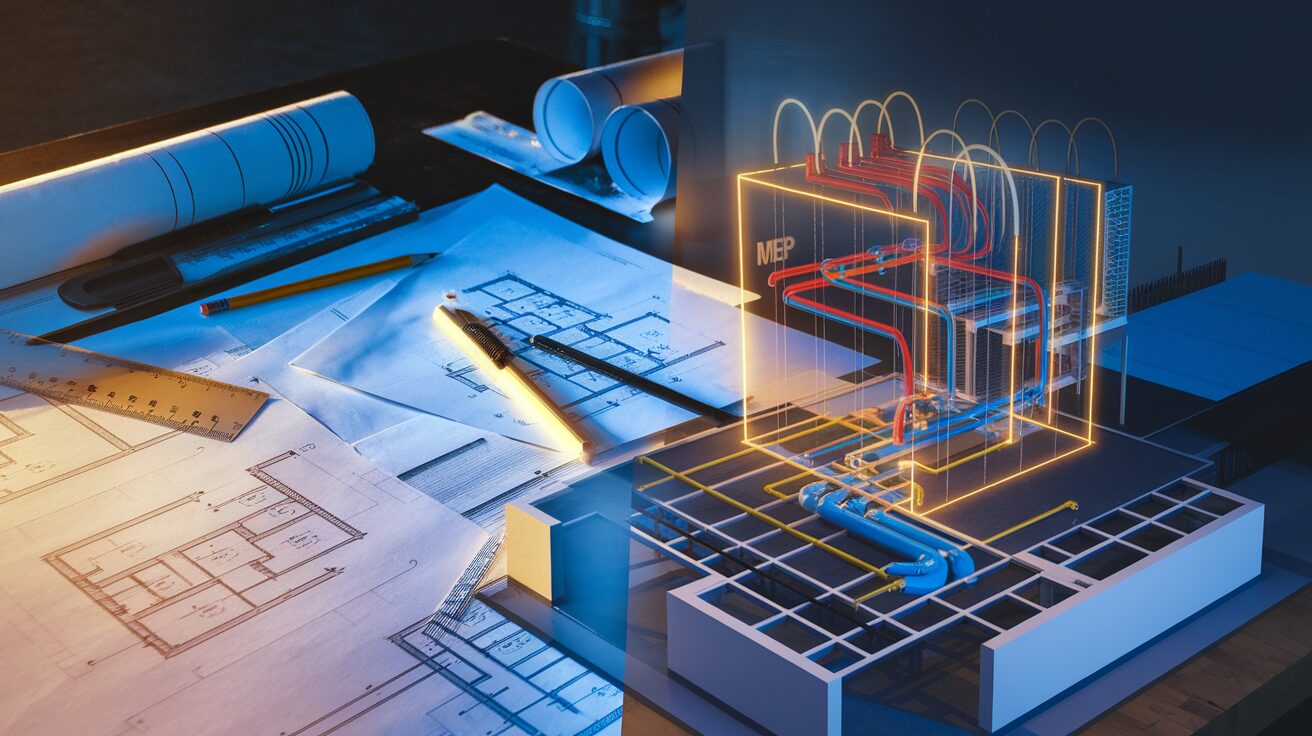
BIM operates on a fundamentally different principle. Instead of drawing lines that represent a wall, you place a wall object that carries data: material type, fire rating, acoustic performance, cost, manufacturer, construction sequence. Every plan, section, elevation, and schedule is a view of that single model. Change the wall height in plan, and every section updates automatically.
This distinction matters most when projects get complex. A 2D CAD set for a mixed-use tower might contain 500+ sheets. Each sheet is an independent file. A dimension change on one sheet requires manual updates across dozens of others. On the Lusail F1 Circuit, BIM DESIGN LLC coordinated architectural, structural, and MEP systems within a single federated model. Over 1,200 clashes were identified and resolved before steel fabrication began. In a CAD-only workflow, those conflicts surface on site, where they cost ten to fifty times more to fix.
The real difference is not the software. It’s the relationship between information. In CAD, drawings are disconnected. In BIM, everything references the same source of truth.
Where the Productivity Numbers Actually Show Up
One of the most common misconceptions about BIM is that it’s faster than CAD from day one. It’s not. Early design phases in BIM can actually take longer than the equivalent CAD work because you’re building an intelligent model, not just sketching geometry.
The payoff comes later, and it compounds.
Industry data shows that by the construction documentation phase, BIM users consistently outperform CAD workflows. One documented case: a major glazing change during CD phase took three days of manual redlining in CAD. In BIM, the same change took three hours, with sheets and sections updating automatically. That’s not a marginal improvement. That’s a different order of efficiency.
Across the broader industry, 82% of BIM users report positive ROI, and firms adopting BIM processes see an average 68% reduction in recognized design mistakes. For GCC mega-projects with tight procurement timelines and zero tolerance for submission errors, those numbers translate directly to fewer RFIs, fewer change orders, and fewer delays.
The Coordination Gap CAD Cannot Close
On a simple project with two or three disciplines, manual coordination works. Someone overlays the architectural and structural drawings in a PDF viewer and eyeballs the conflicts. It’s slow, but manageable.
On a complex project, that approach breaks. A hospital with architectural, structural, mechanical, electrical, plumbing, fire protection, and facade systems has thousands of potential spatial conflicts. Manual overlay cannot catch them all. It’s not a question of effort. It’s a limitation of the medium.
BIM-based clash detection uses federated models and tools like Navisworks to run automated interference checks across every discipline simultaneously. Conflicts are categorized, assigned, tracked, and resolved systematically.
This is BIM DESIGN LLC’s sharpest technical edge. Our clash detection process on projects like the Msheireb Bus Station in Doha coordinates trades across a federated model, catching conflicts that would otherwise surface during construction. The coordination isn’t a meeting. It’s a system, backed by ISO 19650 information management protocols that ensure every trade is working from the correct, current model version.
CAD coordination relies on people catching problems visually. BIM coordination relies on a process that makes missing them nearly impossible.
| Traditional CAD | BIM-Based Delivery |
|---|---|
| 2D drawings, manually cross-referenced | Single federated model, all views auto-generated |
| Clashes found on site during construction | Clashes found in the model before fabrication |
| Quantities extracted manually from drawings | Quantities extracted automatically from model data |
| Design changes require manual updates across 50+ sheets | Design changes propagate across all views instantly |
| Coordination via overlay and visual inspection | Coordination via automated clash runs in Navisworks |
| Deliverables end at handover | Model serves operations, FM, and digital twin use cases |
What the GCC Mandate Landscape Means for CAD-Only Firms
The regulatory environment in the Gulf is moving in one direction. Dubai Municipality mandated BIM for certain building permit applications in January 2024. Qatar’s Ashghal has required BIM submissions on public infrastructure projects. Saudi Arabia’s Vision 2030 mega-projects, from NEOM to the Red Sea Development, specify BIM as a baseline project delivery requirement.
For firms still operating on CAD-only workflows, this creates a growing compliance risk. It’s not that CAD becomes illegal. It’s that the projects worth winning increasingly require BIM deliverables that CAD workflows cannot produce.
The GCC BIM market is growing at 12.7% annually. Seventy-five percent of Middle East construction firms are expected to shift toward cloud-based collaboration platforms by 2026. Firms that treat BIM as optional are not just missing efficiency gains. They’re narrowing their addressable market.
BIM DESIGN LLC has delivered BIM on Ashghal-approved projects like Panda Zoo in Al Khor and cross-border work including Qiddiya Speed Park in Saudi Arabia. The common thread: every deliverable met the submission standards the client and regulatory authority required.
Making the Transition: Process First, Software Second
The most common mistake firms make when moving from CAD to BIM is treating it as a software migration. Buy Revit licenses, send the team to a two-day training, and expect results. It doesn’t work that way.
BIM is a process change. The software is just the tool that executes the process. Without defined standards for naming conventions, model structure, LOD requirements, information exchange protocols, and quality assurance checkpoints, a BIM model becomes a liability instead of an asset.
ISO 19650 exists specifically to address this. It provides the framework for information management across the project lifecycle, from concept through facility management. It defines who produces what information, when, to what level of detail, and how it’s verified.
BIM DESIGN LLC holds ISO 19650, ISO 9001, and ISO 45001 certifications. For clients making the CAD-to-BIM transition, this means the models they receive follow a standardized, auditable information management process. It’s not just technically accurate geometry. It’s structured data that downstream teams can actually use.
The transition doesn’t happen overnight. But it doesn’t need to be disruptive. Starting with a pilot project, establishing a BIM Execution Plan, and partnering with an experienced BIM provider to supplement internal capacity is how most successful transitions begin.
Frequently Asked Questions
No. BIM and CAD serve different purposes. CAD produces 2D and 3D drawings. BIM produces an intelligent model that generates drawings, schedules, quantities, and coordination reports from a single dataset. The upfront investment in BIM is higher, but the downstream savings in rework reduction, automated documentation, and clash detection consistently deliver positive ROI. Industry data shows 82% of BIM users report positive returns.
Yes. Many projects use CAD for certain deliverables while running BIM for coordination and model-based outputs. The challenge is maintaining consistency between the two. When the BIM model updates, standalone CAD drawings need manual revision, which creates risk. Most firms transitioning to BIM reduce their CAD dependency over time rather than eliminating it immediately.
Increasingly, yes. Qatar’s Ashghal requires BIM submissions on public infrastructure projects. Dubai Municipality mandated BIM for certain building permits in 2024. Saudi mega-projects under Vision 2030 specify BIM as a delivery requirement. While not every project mandates BIM yet, the trajectory is clear, and firms without BIM capability are excluded from a growing share of high-value work.
It depends on the firm’s size, project complexity, and commitment to process change. A focused pilot project can be running within two to three months. Full organizational adoption, including standards development, team training, and workflow integration, typically takes six to twelve months. The key is treating it as a process transformation backed by standards like ISO 19650, not just a software installation.
The most common BIM authoring tools are Autodesk Revit, ArchiCAD, and Tekla Structures. For coordination and clash detection, Navisworks is the industry standard. But the software is secondary to the process. A Revit model without defined standards and quality controls is no more useful than a CAD drawing. Start with the information management framework, then select tools that support it.
Conclusion
The difference between BIM and CAD is not about which software you open in the morning. It’s about whether your project data is connected or fragmented, whether coordination happens systematically or by chance, and whether your deliverables meet the standards that GCC clients and regulators increasingly require.
The transition takes planning. It takes process. And it takes time. But the firms making that investment now are the ones winning the projects that matter.